




CASINO
Live Dealer Lobby
This area explains table access, stream loading and bet confirmation screens, so you know what appears…

Live Dealer Lobby, Jungle Delight, Rocket Crash and Sportsbook sit on our home screen so you can move from casino to markets without hunting through menus.
Access is available only where local law permits.
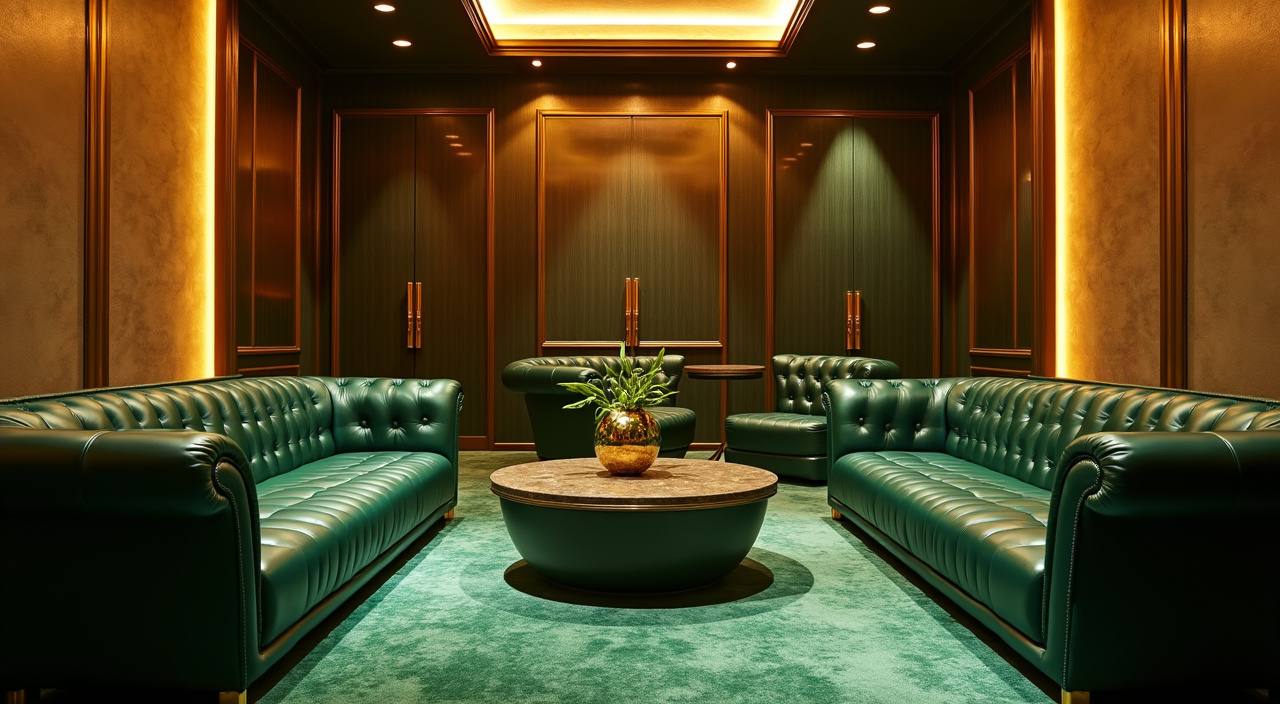
Our lobby card shows slots, live casino, fishing, crash games and Sportsbook entries with wallet status beside the menu.
We place Pragmatic Play, PG Soft and Habanero beside other studios so you can recognise the room source before entry.
Your wallet row on the home page shows the rails we support for Indonesia accounts.
The home screen is not just a launch point; it is where we place the pages you will return to when you want rules, account status or room details.


Your first visit should answer four simple questions: how to open the account, where the lobby sits, which rooms are active, and how your sign-in is…
Use the account button, enter your mobile number, email and password, then confirm your details before adding balance or entering any room from the home lobby.
Your profile area shows balance, transaction history, promo board and message centre, so you can check the status of your account before choosing a game.
The home lobby links to Live Dealer Lobby, Jungle Delight, Rocket Crash, Super Bingo, Royal Fishing and Sportsbook without forcing you through separate pages.
We ask for password login and account detail checks before withdrawals, with session controls that help reduce access from an unknown device.
Your phone browser carries the full home lobby, including wallet row, casino rooms, slots, fishing and Sportsbook.
Safety starts with the small checks you see from home: login fields, device behaviour, session handling and wallet verification.
The menu compresses for phone use, keeping account, wallet and help actions within reach without hiding the lobby categories you use most.
If your session changes device or browser, we may ask you to log in again before showing wallet or account details.
Withdrawal requests are checked against account identity and transaction history, which helps reduce errors before funds move out.
Game rooms link to provider rules where available, so you can read controls, round timing and category terms before joining.
When you search across unrelated pages, you often lose track of account steps, room rules and wallet status.
| One account path | Instead of jumping between unrelated links, you use one home route for account opening, login, wallet checks and lobby entry. |
|---|---|
| Visible categories | Casino, slots, fishing, crash, bingo and Sportsbook are grouped on the lobby, making the next room easier to choose. |
| Local wallet row | DANA, OVO, GoPay and QRIS appear where wallet actions happen, rather than being hidden after several account screens. |
| Help nearby | Support access stays close to account and wallet areas, so you can ask for help before repeating a transaction. |
| Device continuity | Phone, tablet and computer views share the same account session logic, helping you return without relearning the page. |
| Rule visibility | Game categories point toward room rules and provider context, reducing guesswork before you enter a live or slot room. |
Before you enter a game, you should understand the category rather than relying on a title alone.
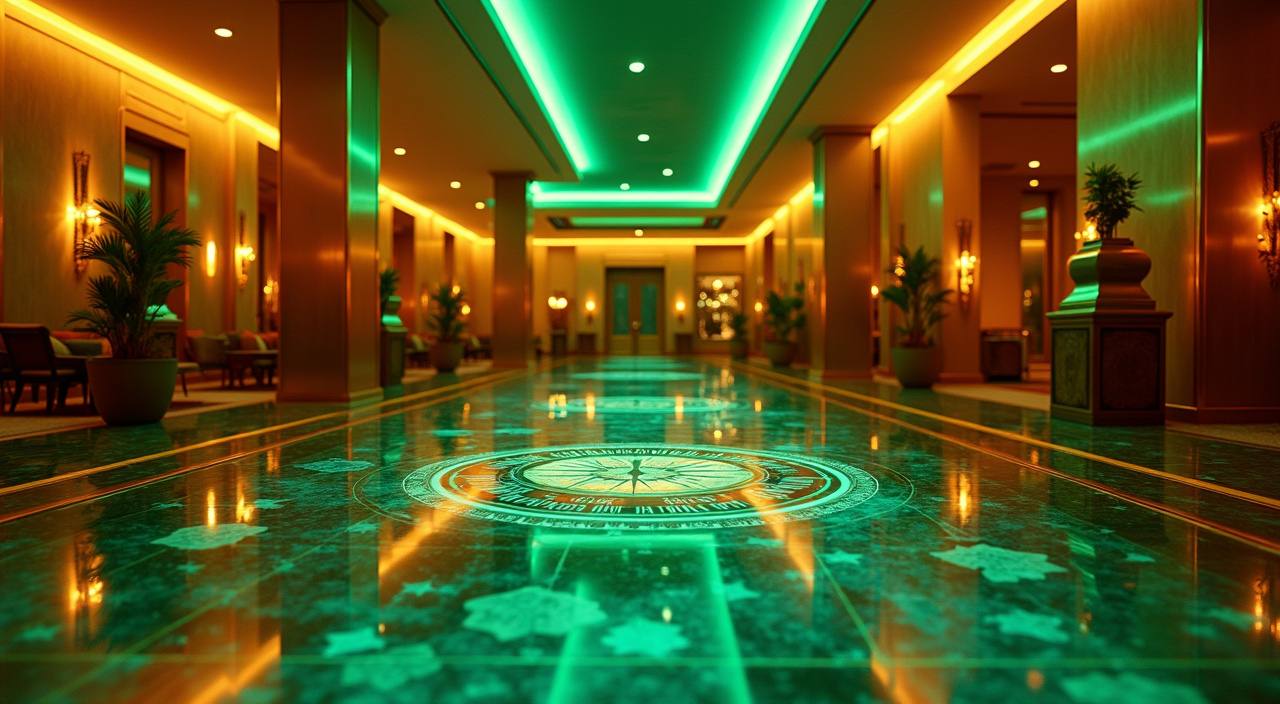
Live table rooms use streamed dealers and on-screen confirmation windows, so you should check the table…
Slot rooms include provider rule screens and feature descriptions, which help you compare titles before choosing…
Rocket Crash uses round timing and multiplier display, making it important to read the room controls…
Royal Fishing is grouped separately because its controls and targets differ from reels, live tables and…
Sportsbook markets show odds, bet slip status and settlement rules inside the market view, with access…
RTP percentages are informational reference values from provider documentation. Actual session outcomes vary.
We built the home page for Indonesia access patterns, from quick phone sessions to longer evening browsing. In Yogyakarta, you can open the lobby on mobile data, check your wallet row, then return on a larger screen without changing account details. Access and eligibility depend on local law and are available only where local law permits, so always check your region before using casino, slots or Sportsbook areas.
A useful home page should show what matters before you spend time inside the lobby.
The main account entry appears at the head of the page, giving you a clear start before wallet or room access.
Local rails sit in a compact row, making DANA, OVO, GoPay and QRIS easy to find when needed.
Casino, slots, fishing, crash and Sportsbook areas use separate cards, so the home screen does not feel mixed together.
Studio labels help you recognise known game sources before opening a room from the lobby.
Chat and email routes stay near account actions, making help easier to reach during service hours.
Terms and transaction rules remain available from the page footer, so you can check details before using the service.
These are the home-page questions we expect from Indonesia customers before they open an account or enter the lobby. The answers focus on account access, wallet visibility, device use, support hours and the way our rooms are arranged from the first screen.
Start with your account status, then choose the room you want. If you need balance, open the wallet row and select DANA, OVO, GoPay or QRIS.
Check login status before entering rooms, because balance, messages and transaction history only show after your account session is active.
Use the wallet row only after confirming your account details, then choose the local rail that matches your phone wallet.
Pick casino, slots or another lobby area based on the rules you want to read, not only the game name.
Contact support from the home menu when a login, loading or wallet status does not match what you expected.